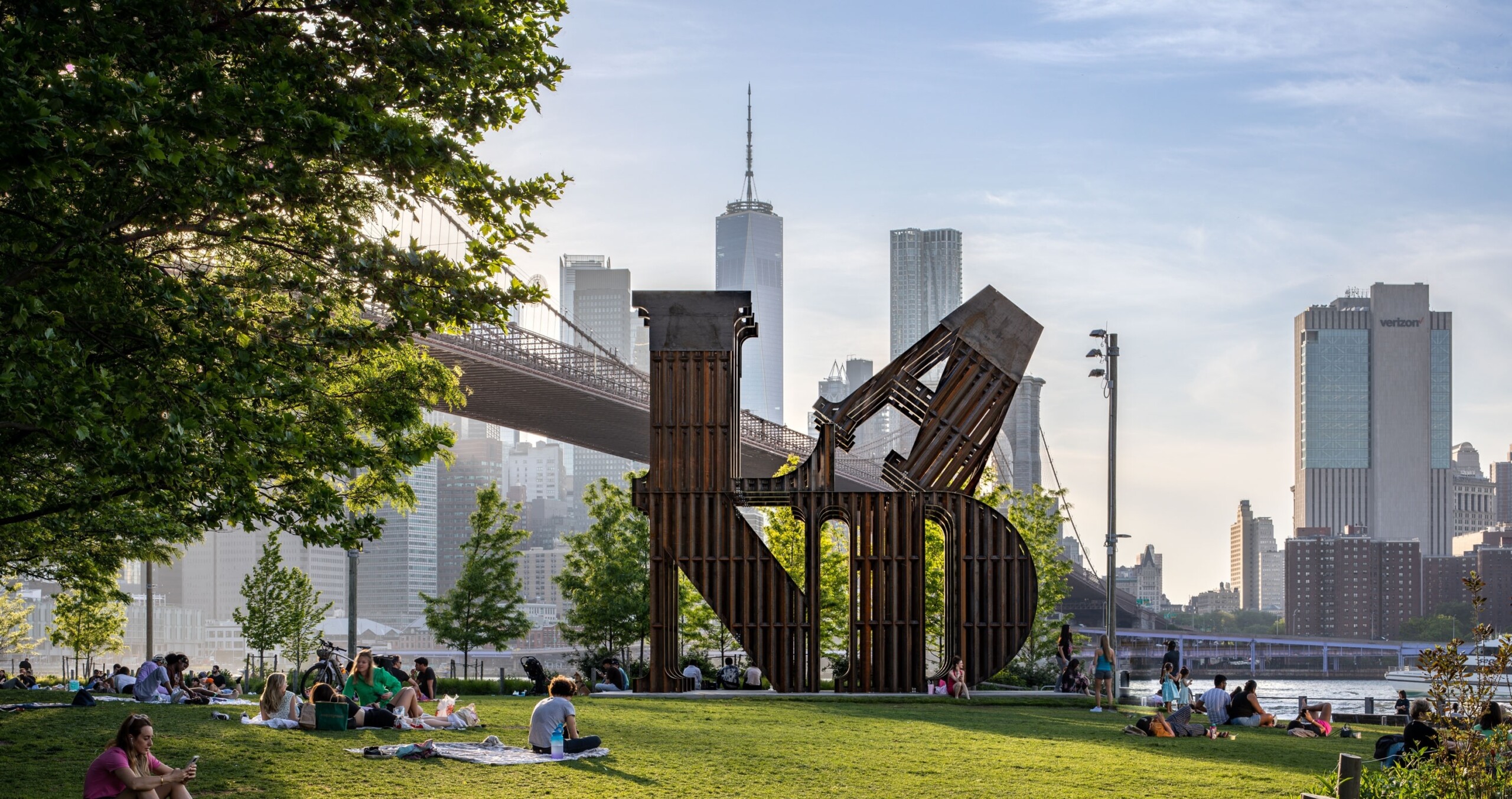
Nearby
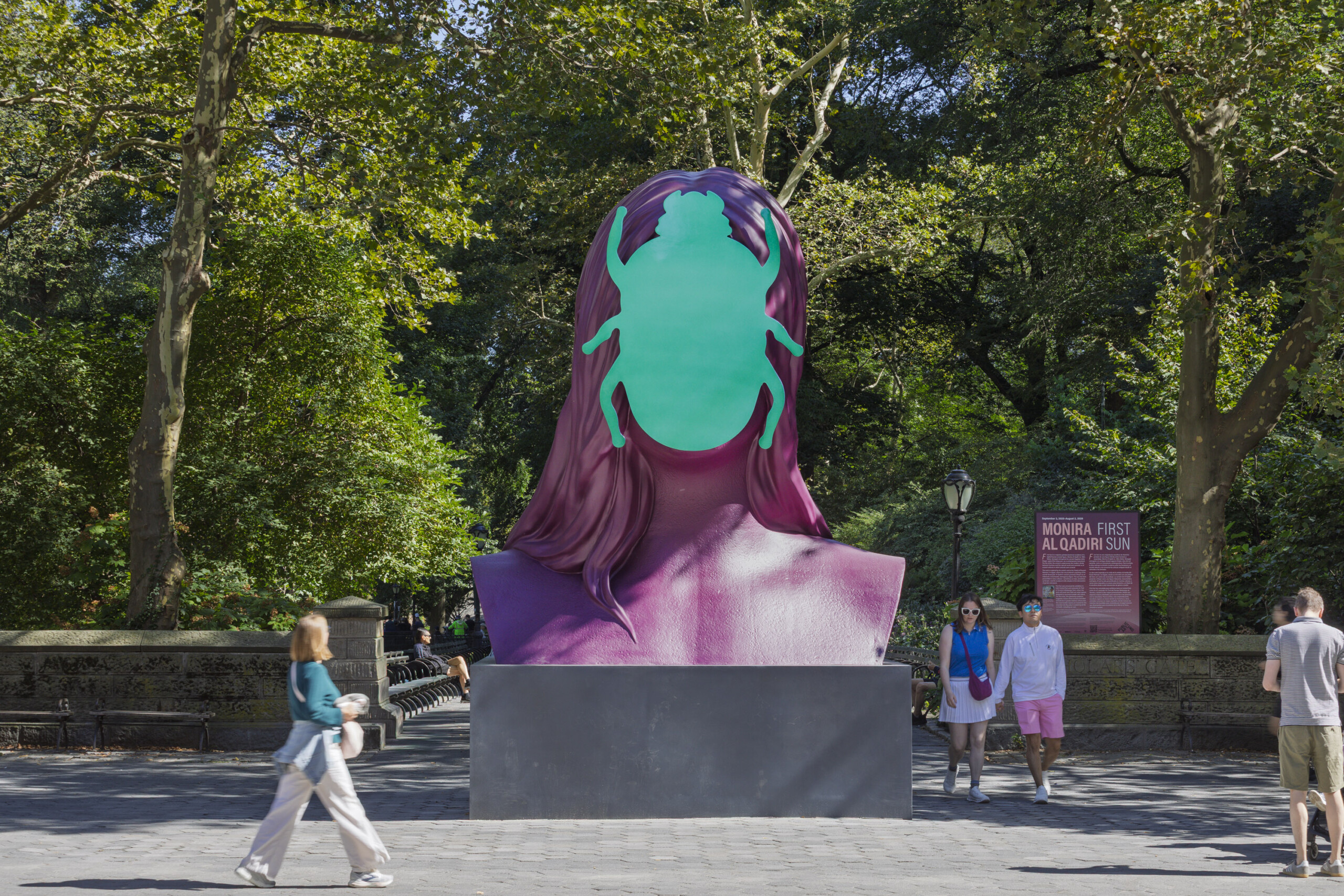
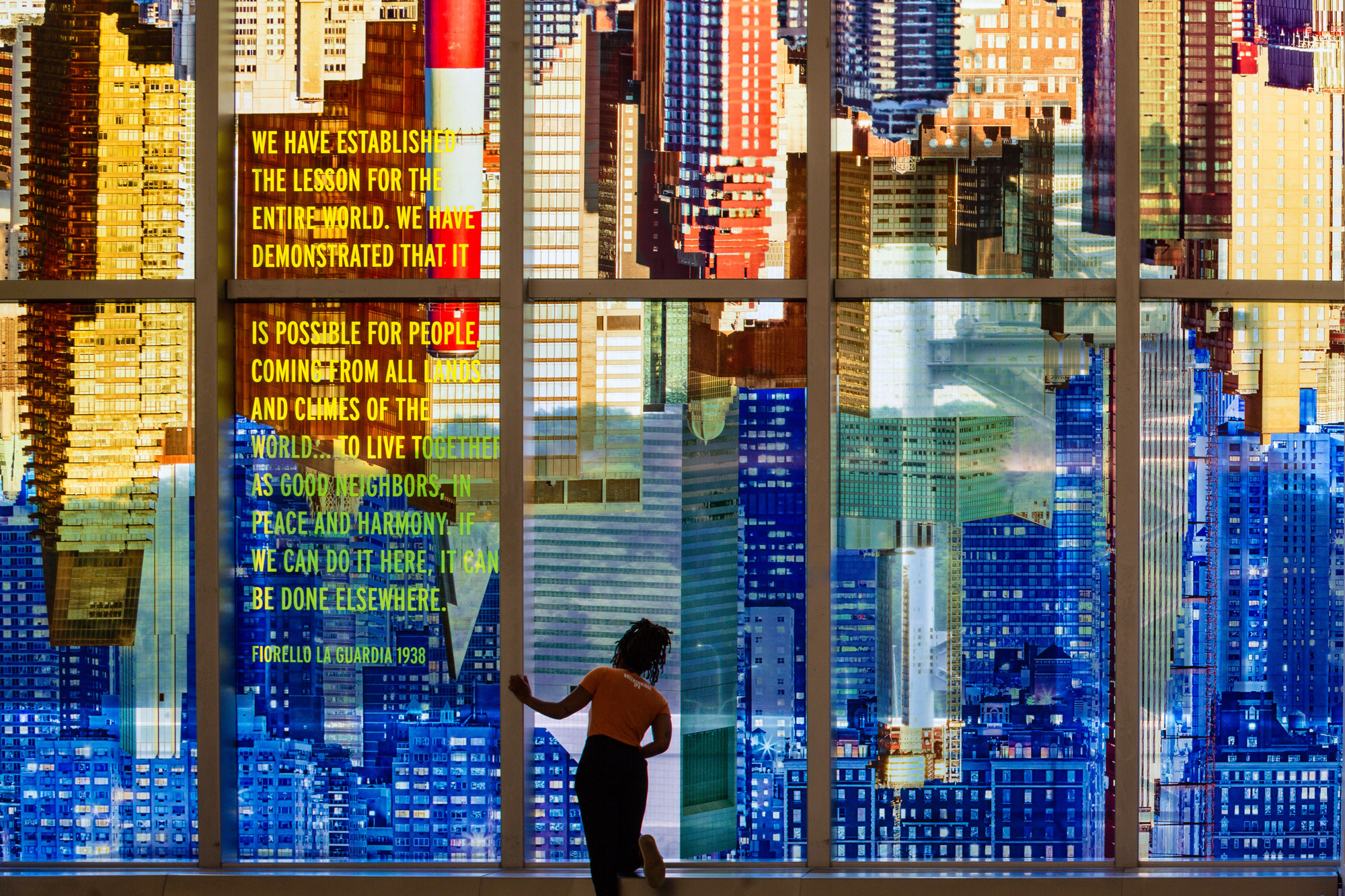
Originally on view at Doris C. Freedman Plaza, Central Park
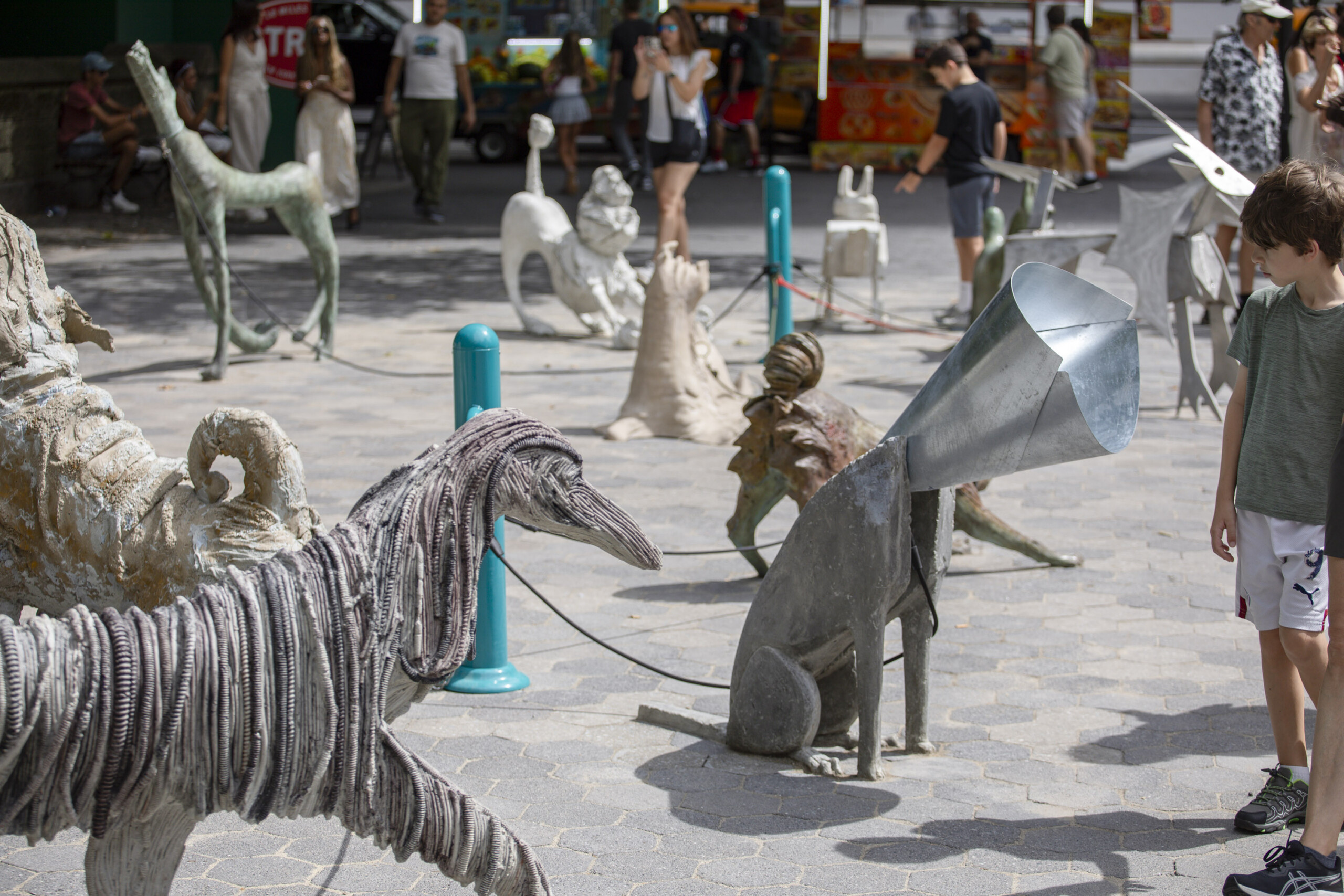
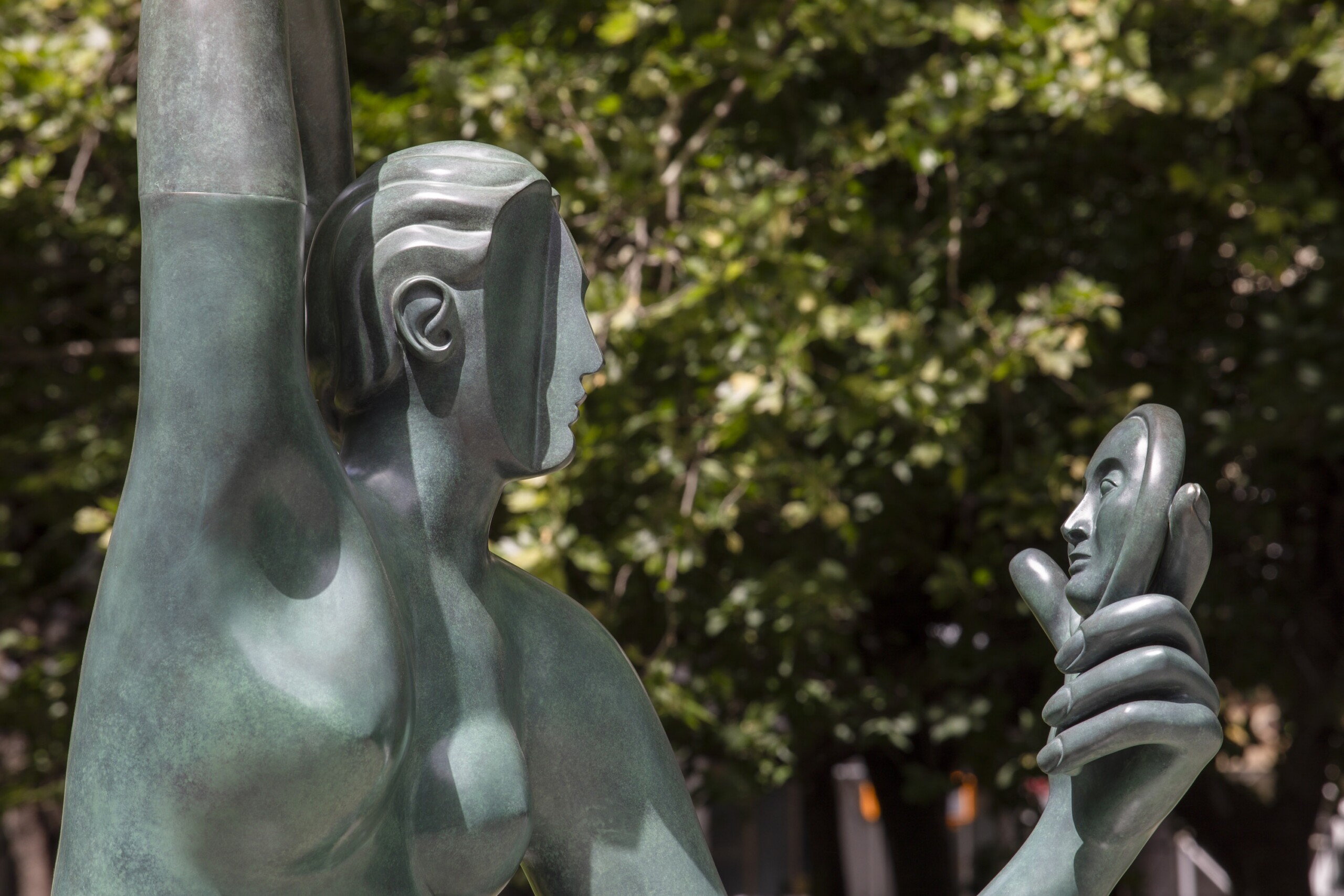
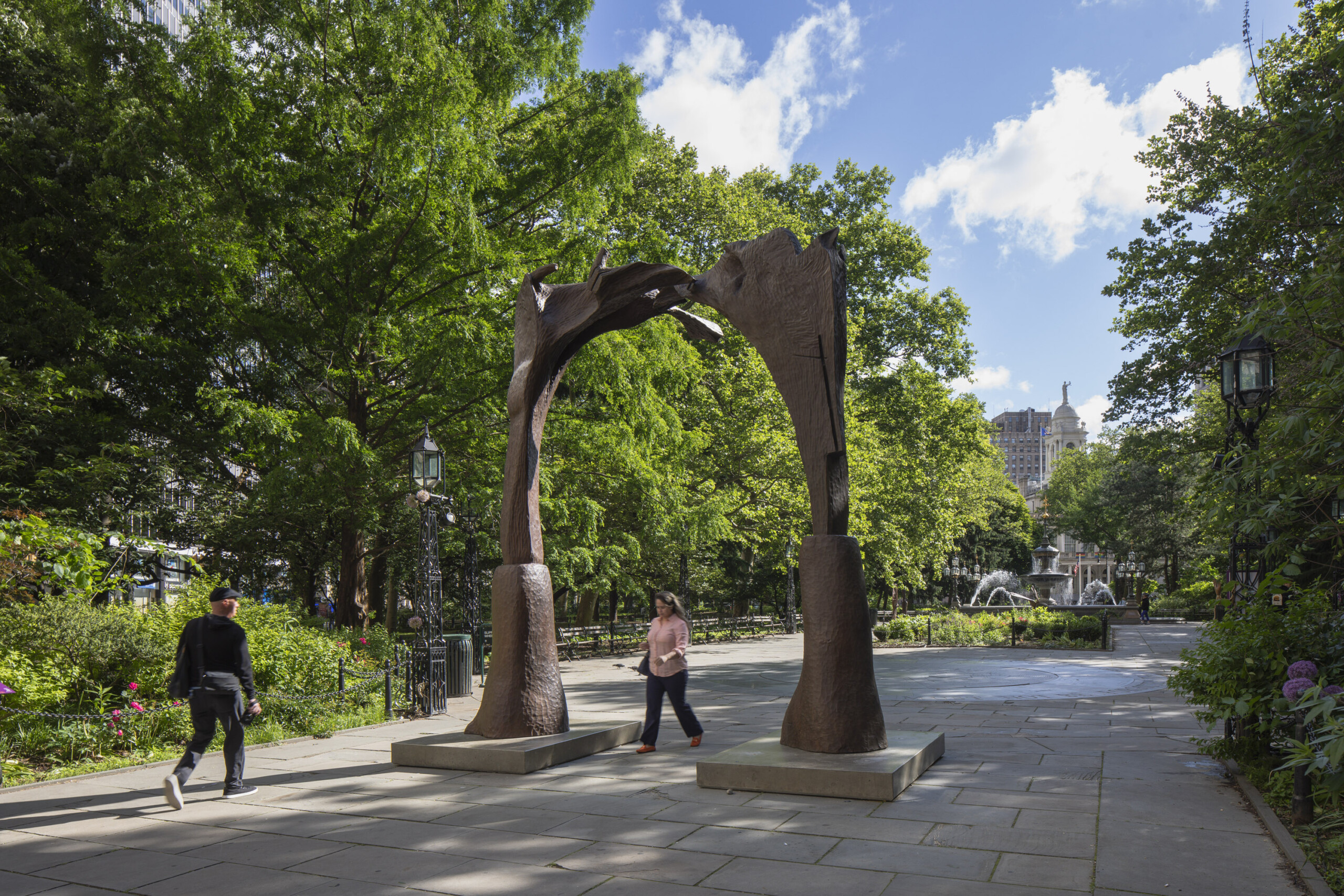
Originally on view at City Hall Park, Manhattan
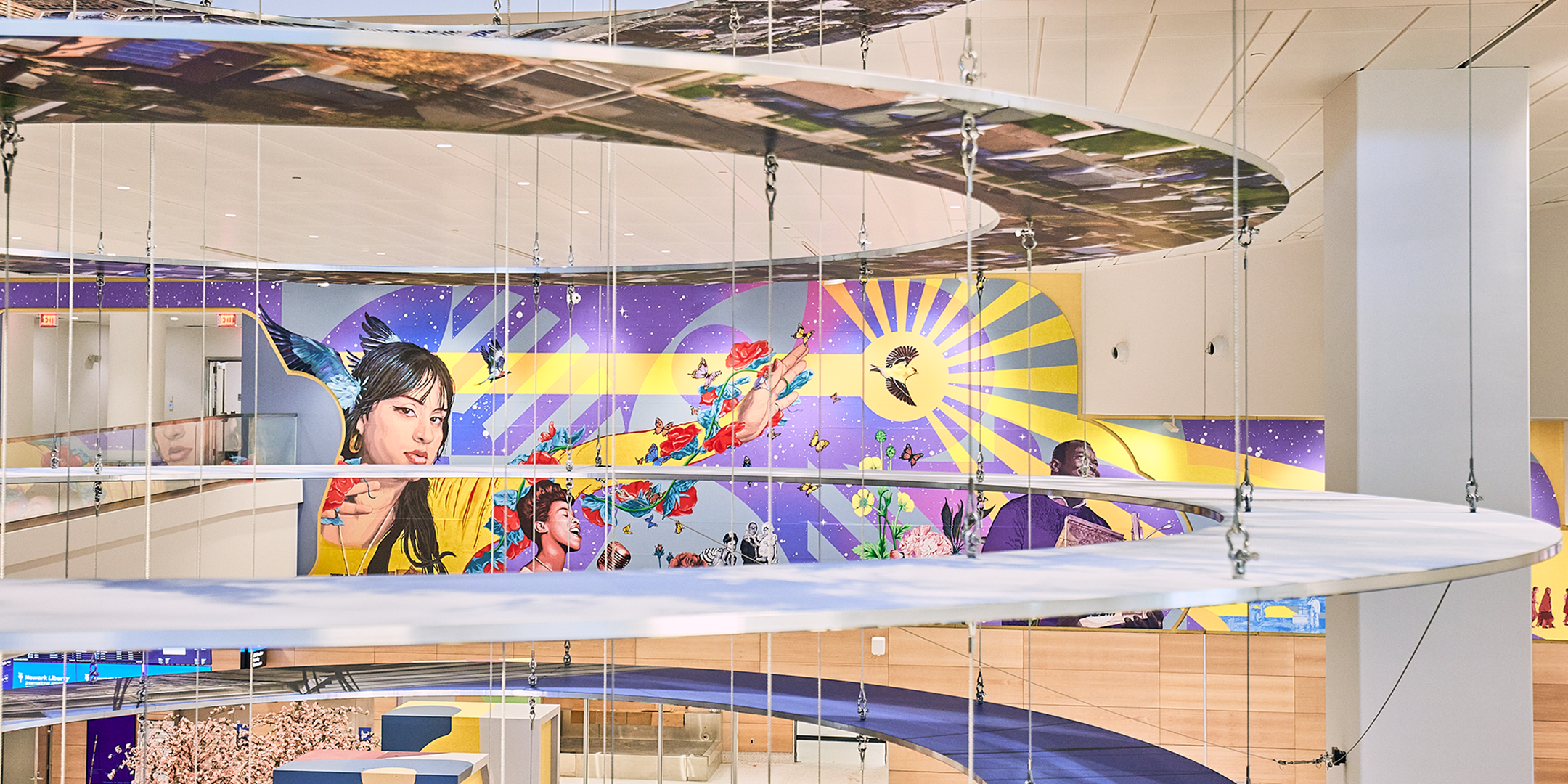
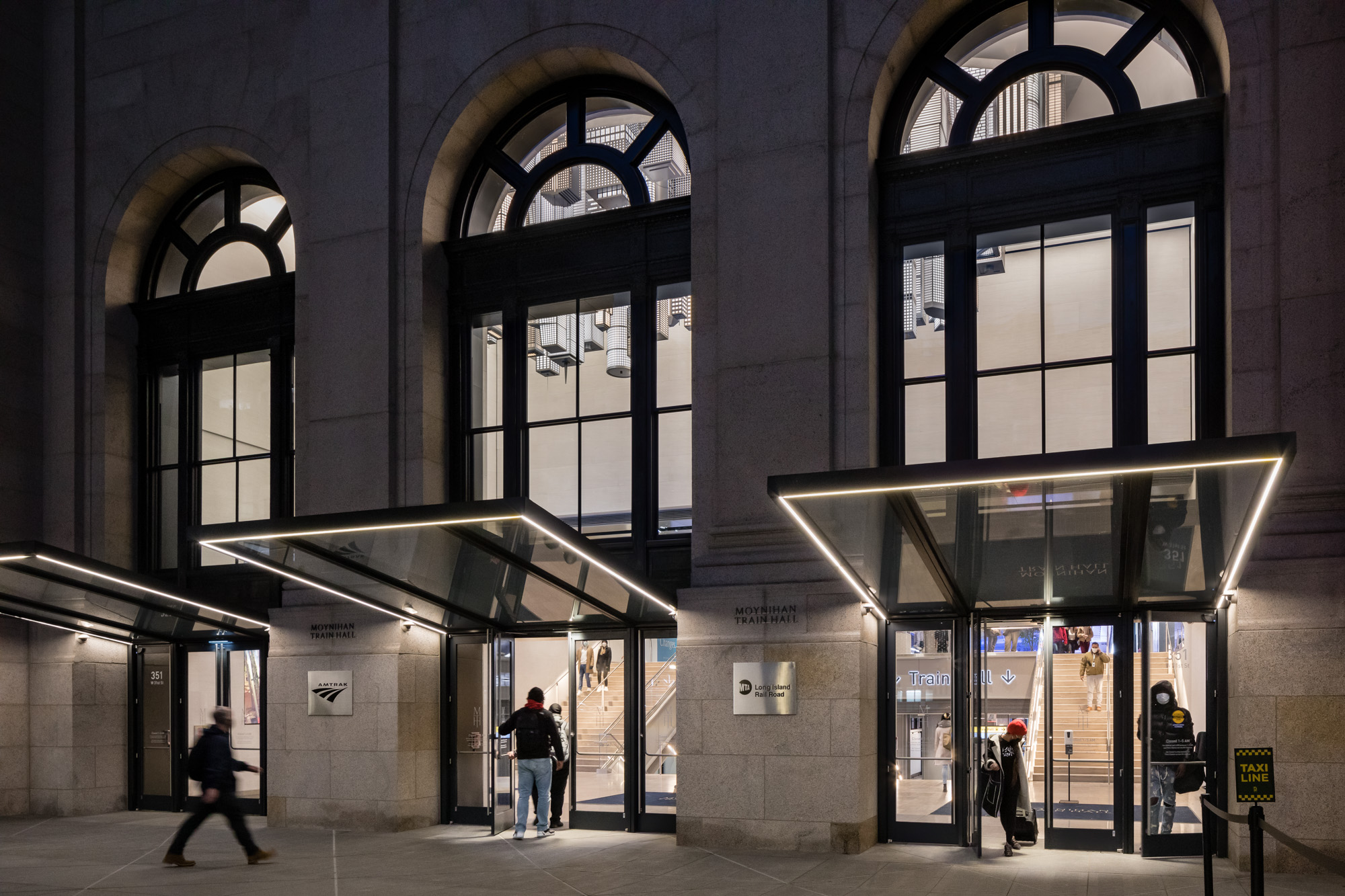
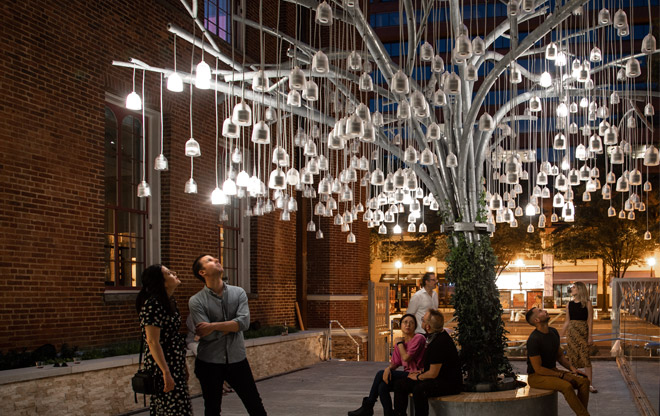
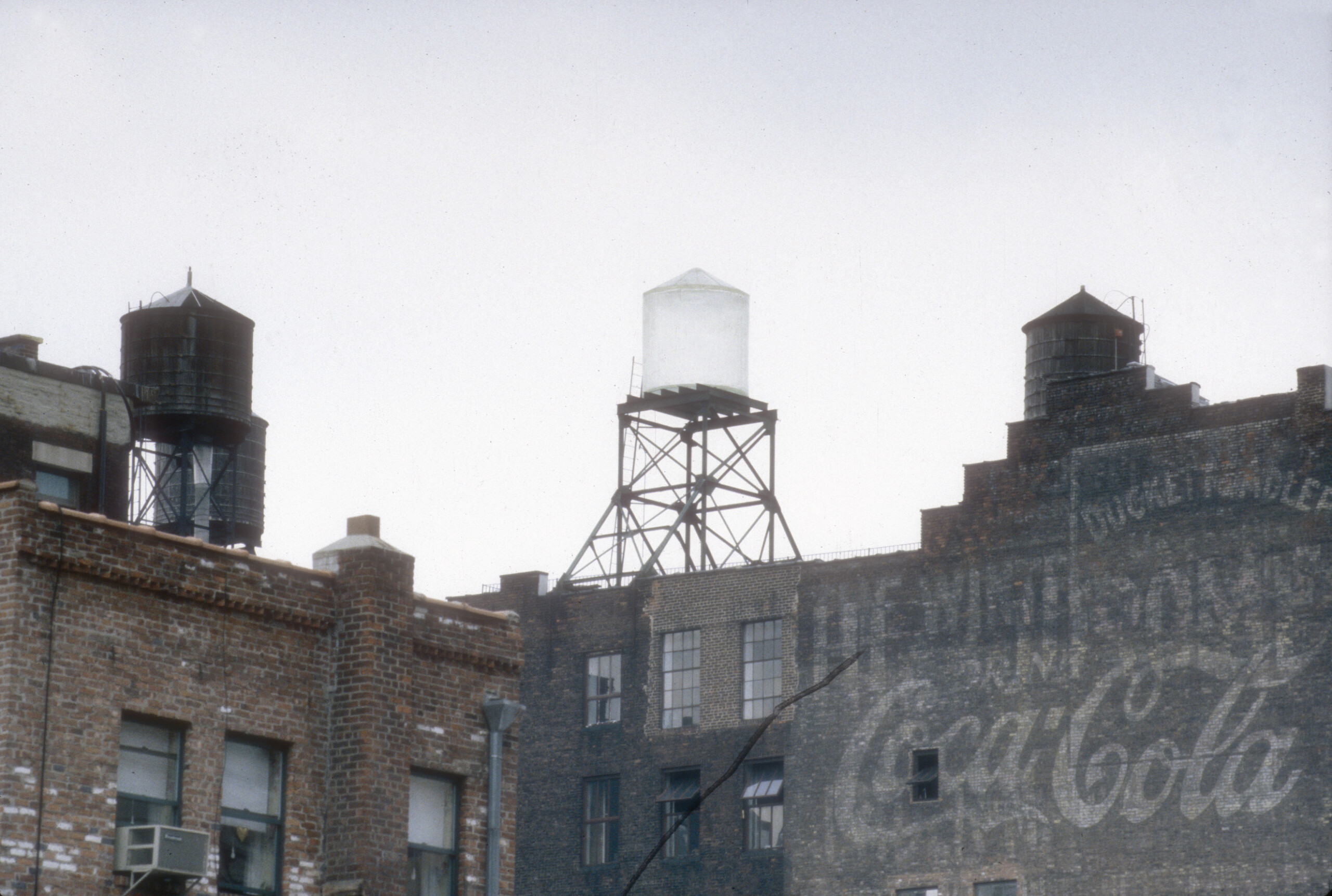
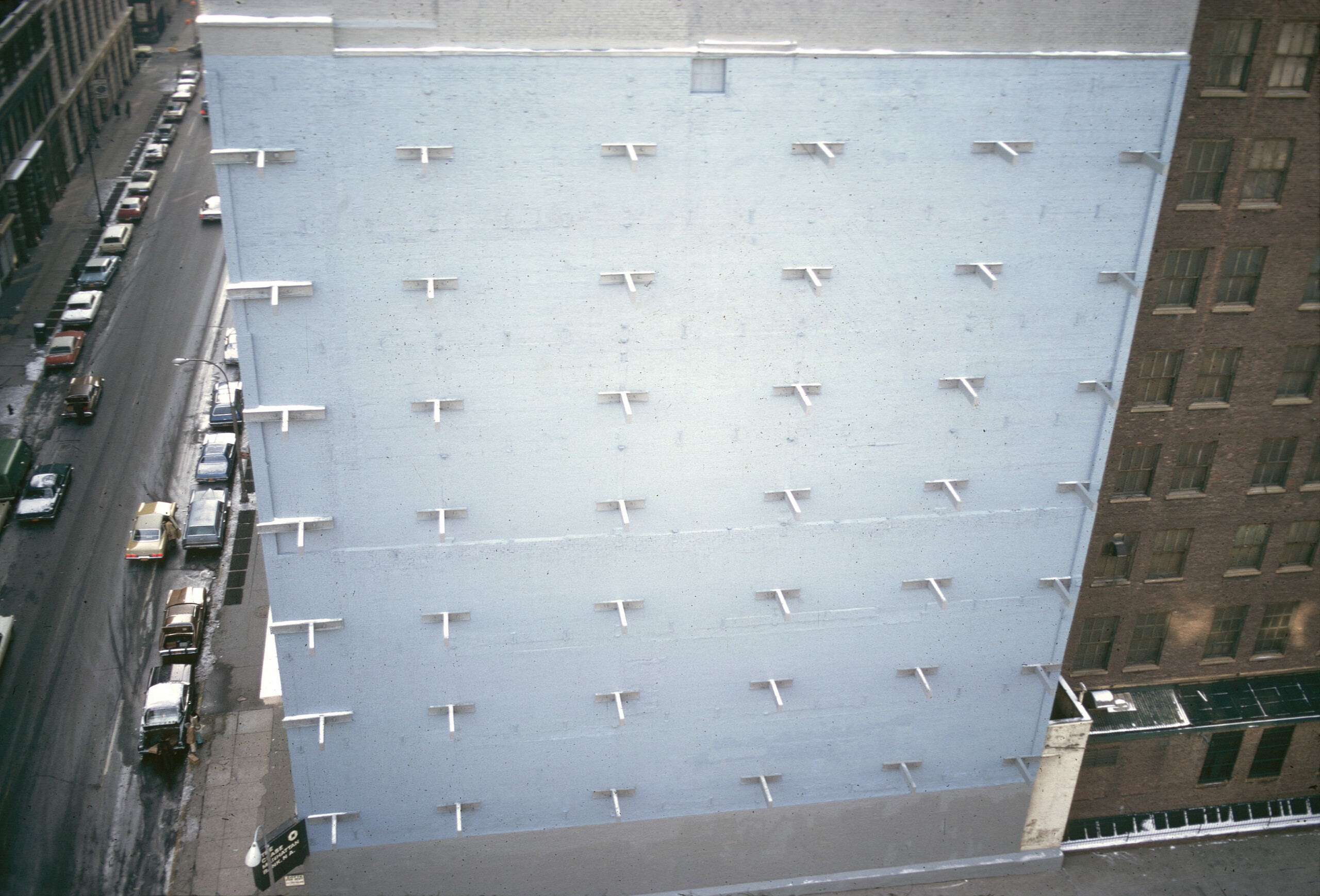
Originally presented at West Broadway & Grand Street
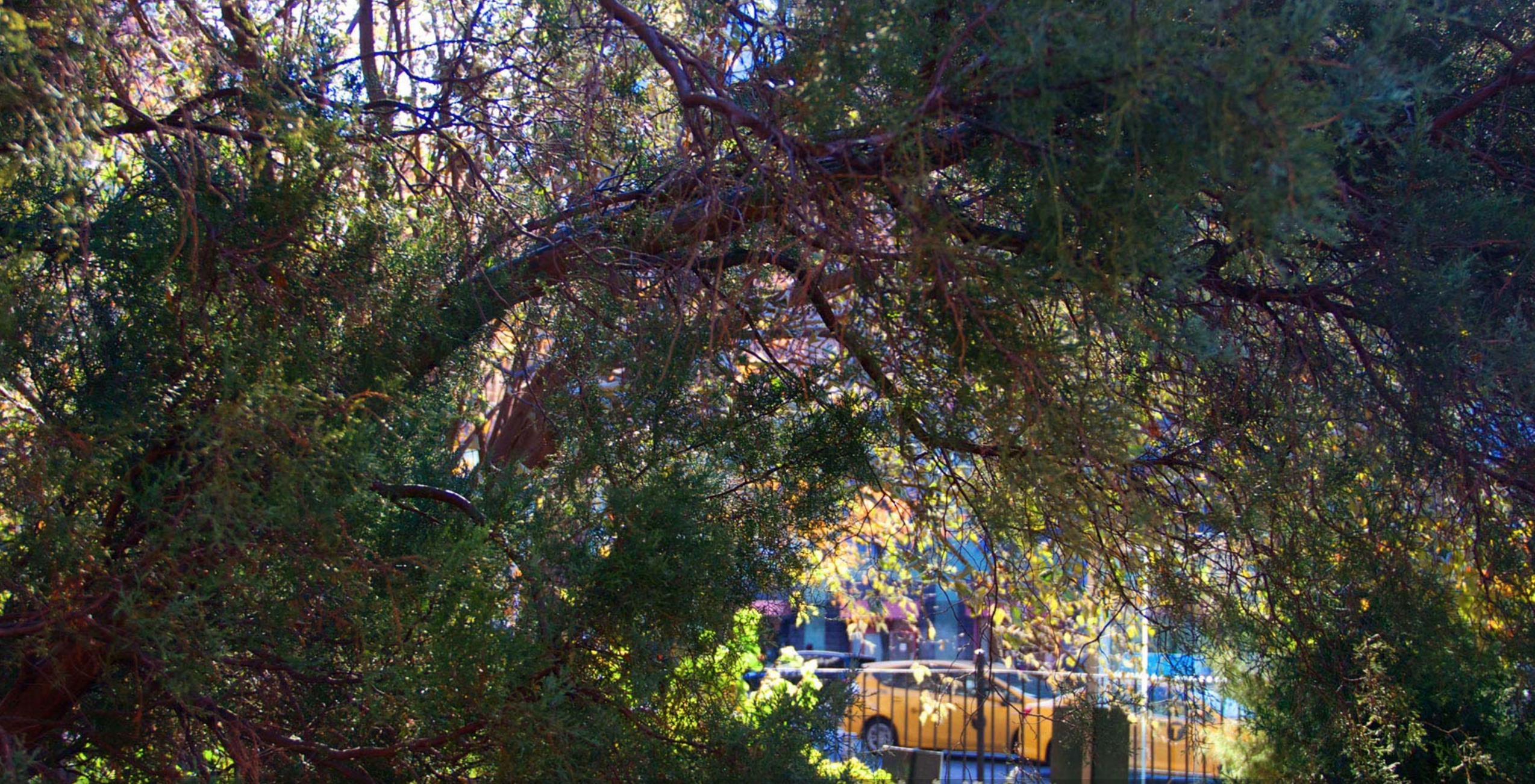
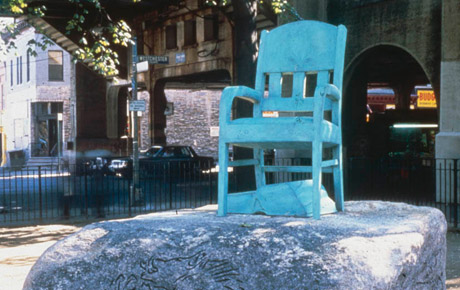
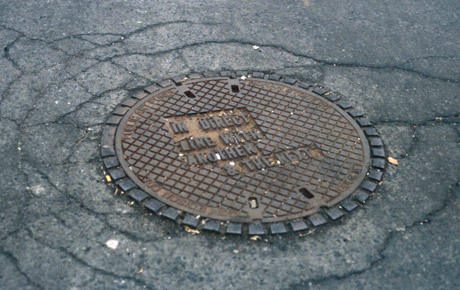
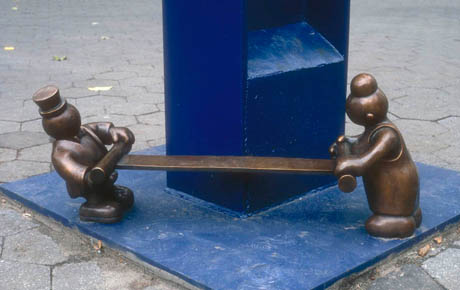
Originally presented at Doris C. Freedman Plaza
Plan Your Visit
All our sites are wheelchair accessible and allow service animals—please visit our sites section for further details about each location.
Email info@publicartfund.org for questions and accessibility requests related to our exhibitions—please plan to reach out at least one week in advance of your visit. Contact glopez@publicartfund.org with accessibility requests related to our public programs and workshops.
We are committed to facilitating the accessibility and usability of our website, publicartfund.org, for all people with disabilities. If you have questions or feedback about the accessibility of this site, please reach out to communications@publicartfund.org.
Open our free digital guide to explore exhibitions, soak in inspiring insights on artworks, and hear behind-the-scenes chats with our artists and curators. The guide also features several built-in accessibility features including audio descriptions, image zoom, video transcripts, and font size adjustment.
Learn more about Bloomberg Connects, the free arts and culture app, to access Public Art Fund’s artworks and artists anytime, from wherever you are, all in one place.
We have sprinkled signage at each of our sites with exhibition information and QR codes that you can scan to gain more insights via our digital guide on Bloomberg Connects. Here’s how you can utilize these QR codes with your smart phones:
For iOS:
- Open the Camera app.
- Switch to the rear-facing camera.
- Point your device at the QR code. Watch for the moment when your device registers the code and shows a notification.
- Tap the notification that pops up, and you’re off to the races!
For Android:
- Open the Camera app.
- Switch to Photo/Camera mode and center QR code on your screen.
- Tap the notification that pops up, and you’re on your way!
- Don’t see the notification? We’ve got a backup plan using Google Lens Heroes: Select Search mode and center the QR code right on your screen& tap the notification that pops up.